See what the game knows. Let a script play it.
Kryptos runs beside the RuneScape 3 client. It reads the client's memory into about seventy live panels, and its Bot API drives the game with a human-like mouse and keyboard from a Lua or C# script.
One rule governs all of it: Kryptos reads the game's memory but never writes it to act. Every click, keypress and camera turn is the same signal a person produces.
Under development. Kryptos is not released and cannot be downloaded yet. This page describes what it does today.
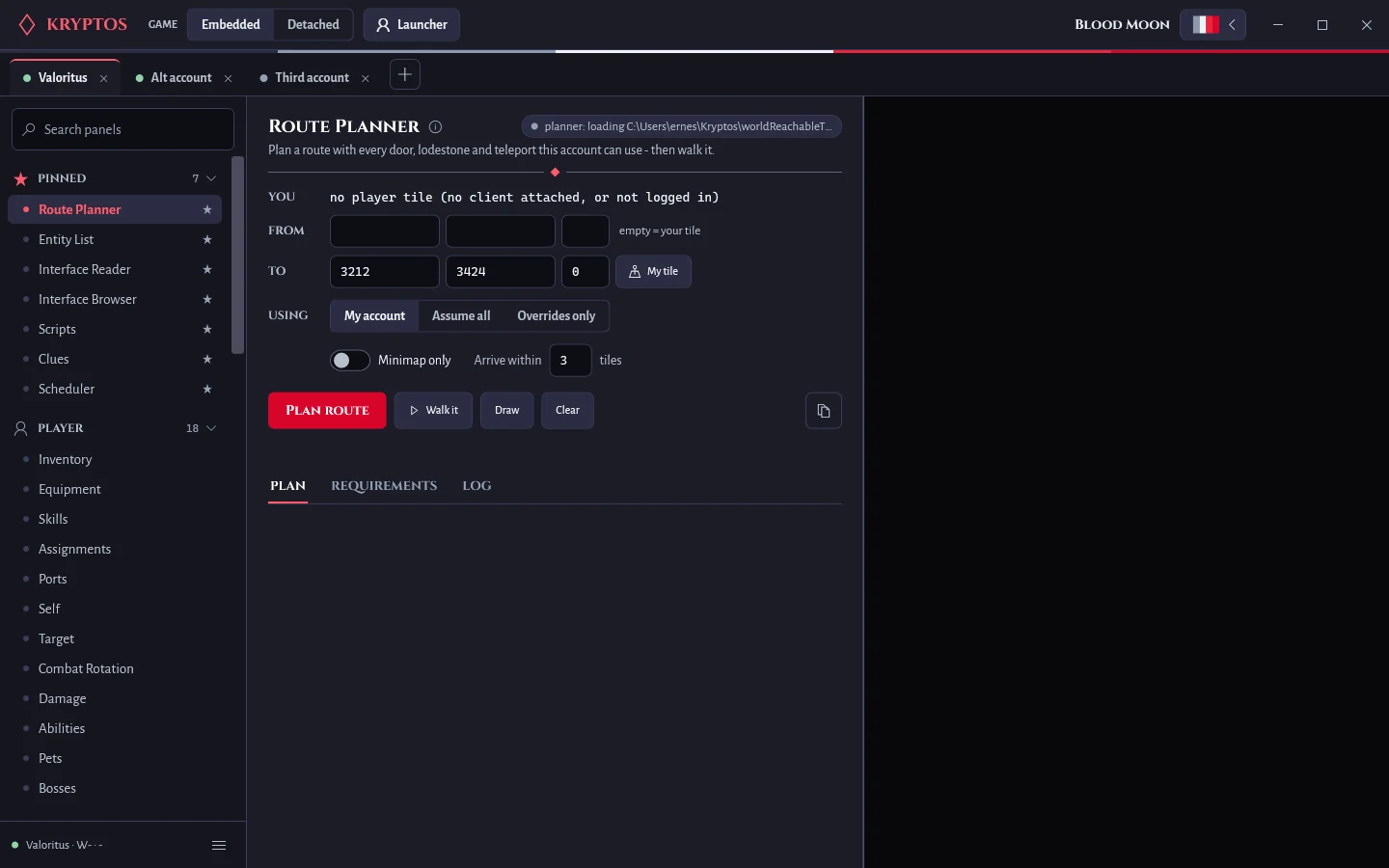
Three layers, and what each one gives you
Knowing which layer a feature lives in tells you what it needs in order to work.
Memory readers
Kryptos opens the running game process and reads its state directly: inventory, skills, the bank, nearby monsters and objects, your target, the game's variables. Each panel polls on its own timer, off the UI thread.
Needs an attached, logged-in client. Nothing is injected.
Native helper
A small library loaded into the client for the things an outside process cannot do: move the mouse like a person, press keys, turn the camera, draw on the game screen, and copy each server message as it arrives.
Needs the helper built and injected. Its writes are rendering-only and restored on unload.
Game cache
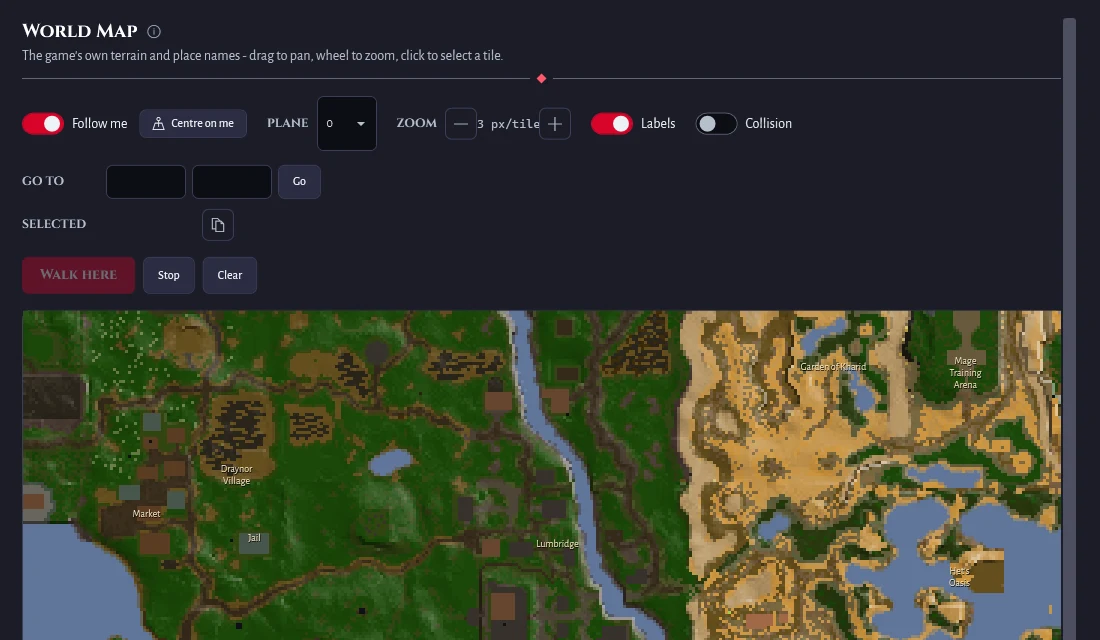
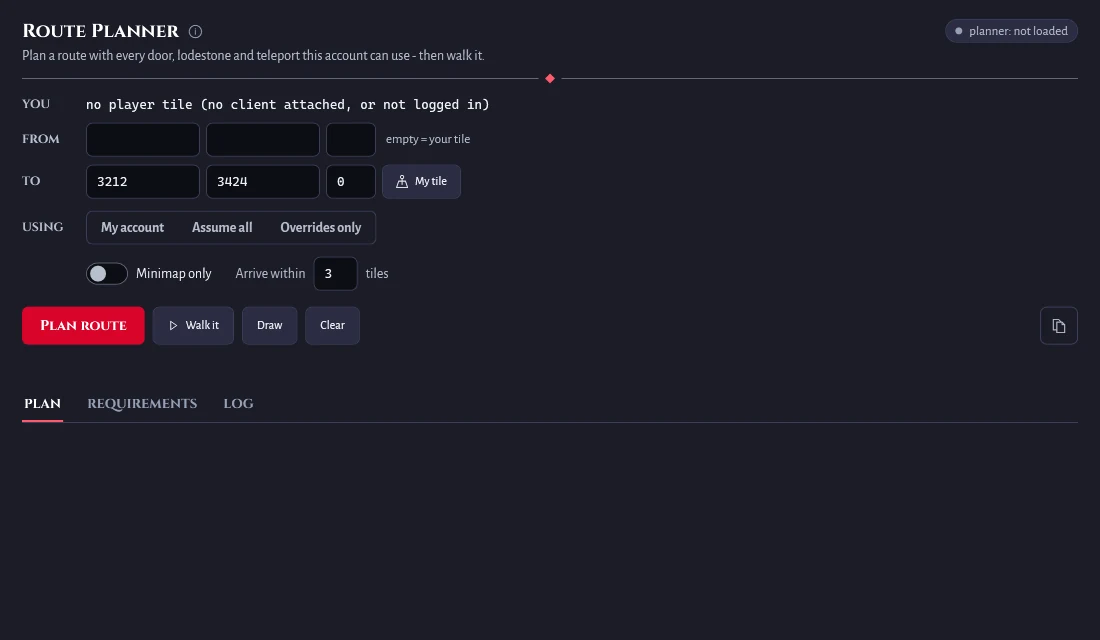
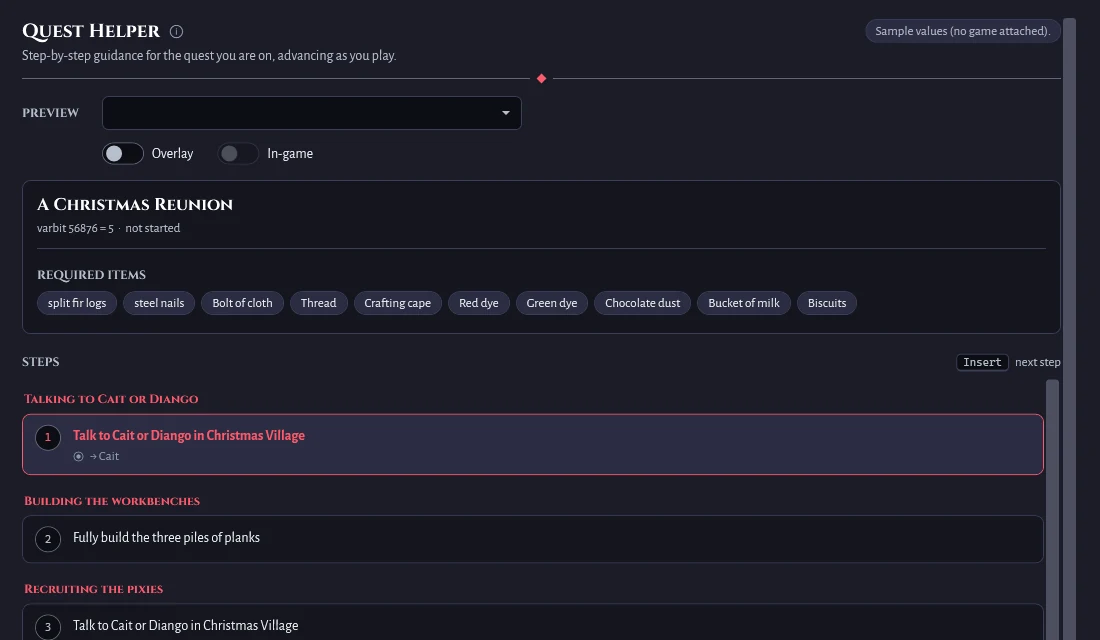
RuneScape keeps its data files on your disk. Kryptos decodes them, so item and NPC names, quest guides, ability definitions, the world map and route planning all work with no client running at all.
Needs nothing.
| You want to | Needs |
|---|---|
| See inventory, skills, entities, variables, interfaces, combat state | an attached, logged-in client |
| Click, walk, teleport, use an item, talk, turn the camera | the helper built |
| The network event feed, the incoming-damage feed, in-game drawing, menu-swap rules | the helper injected |
| Item, NPC and object names, quest guides, the world map, route planning | nothing: the cache |
Seventy panels, grouped the way you play
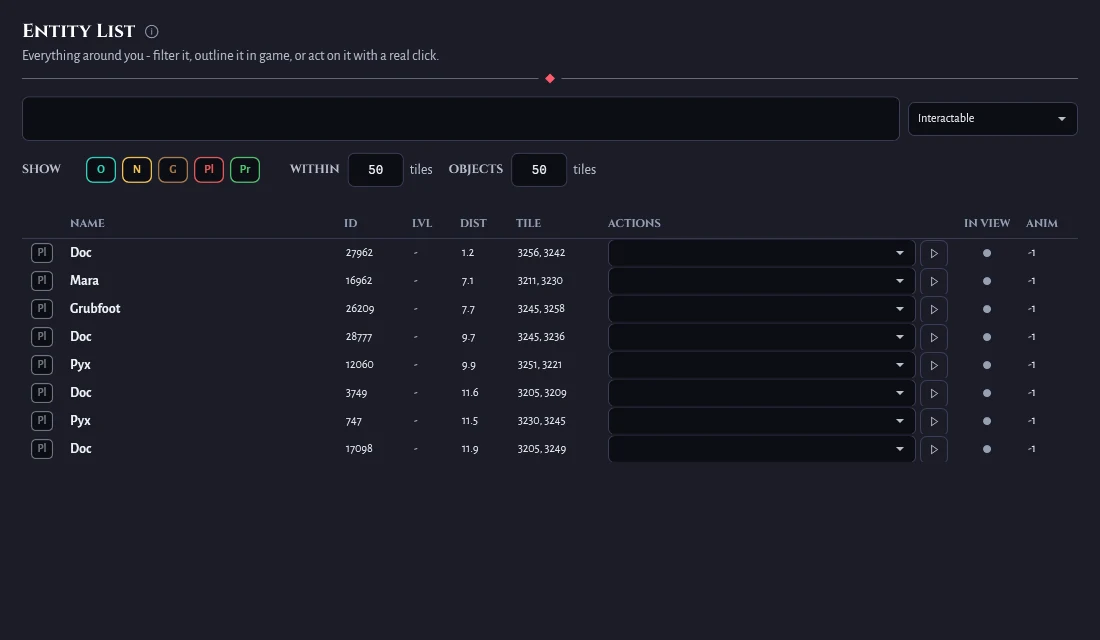
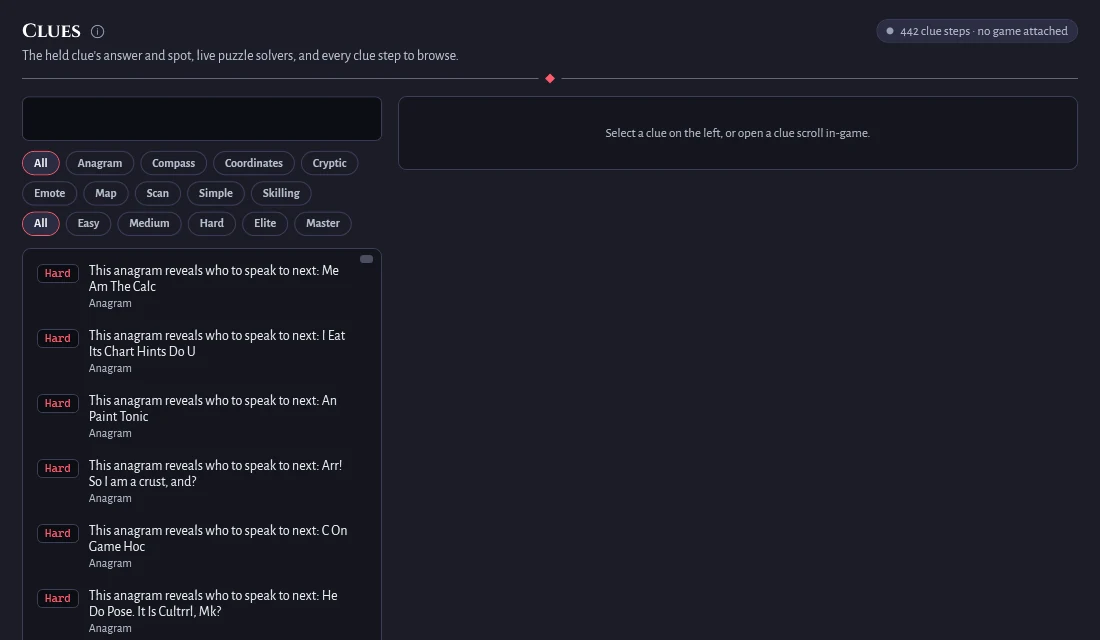
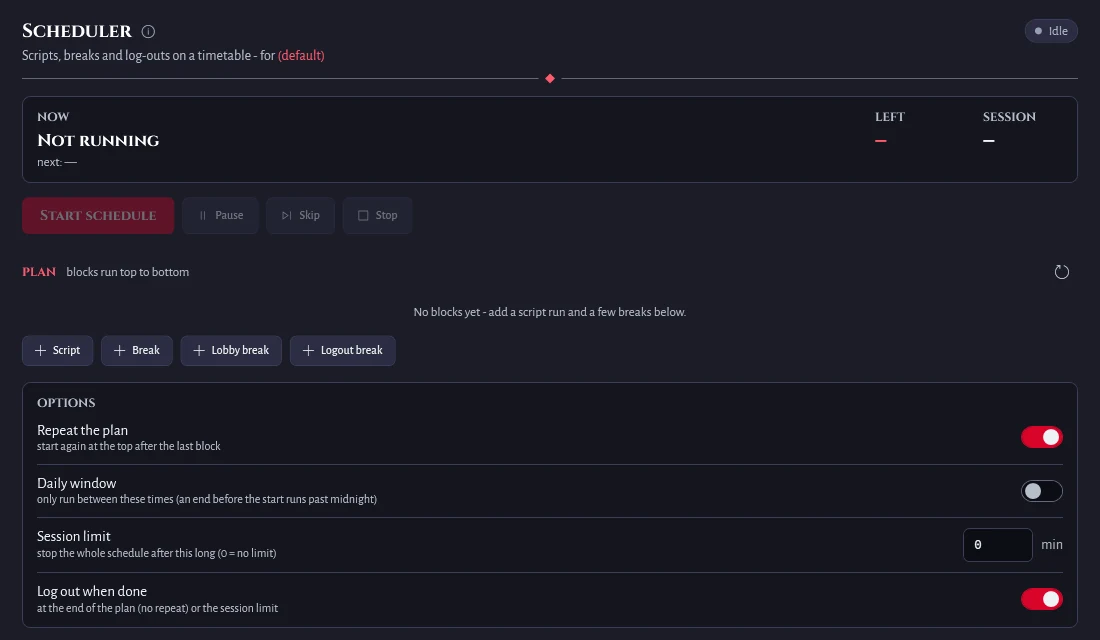
Player, Items, Skilling, Quests, Clues, Farming, World, Timing, Developer. Search them with Ctrl+K, pin the ones you use. A few of them:
Getting started
- Launch the game through the official Jagex Launcher, then launch Kryptos. Either order works: Kryptos adopts clients the launcher started, one tab per client.
- Log in. Many readers are empty in the lobby because the game's variable store only fills once you are in the world. A panel saying "in the lobby" is telling you that.
- Open panels from the sidebar. Search with Ctrl+K, right-click a panel to pin it.
- Run a script. Put a .lua or .cs file under your Kryptos scripts folder, open Developer, Scripts, pick it and press Start. The Scheduler runs it on a plan with breaks.
Still under development
Kryptos is a private project in active development. There is no release, no download and no sign-up. Everything on this page works today on the developer's own setup, but it is not ready for anyone else, and there is no date for when it will be. This page will be updated as that changes.
Kryptos is an independent project and is not affiliated with or endorsed by Jagex Ltd. Automating gameplay can be against a game's rules.